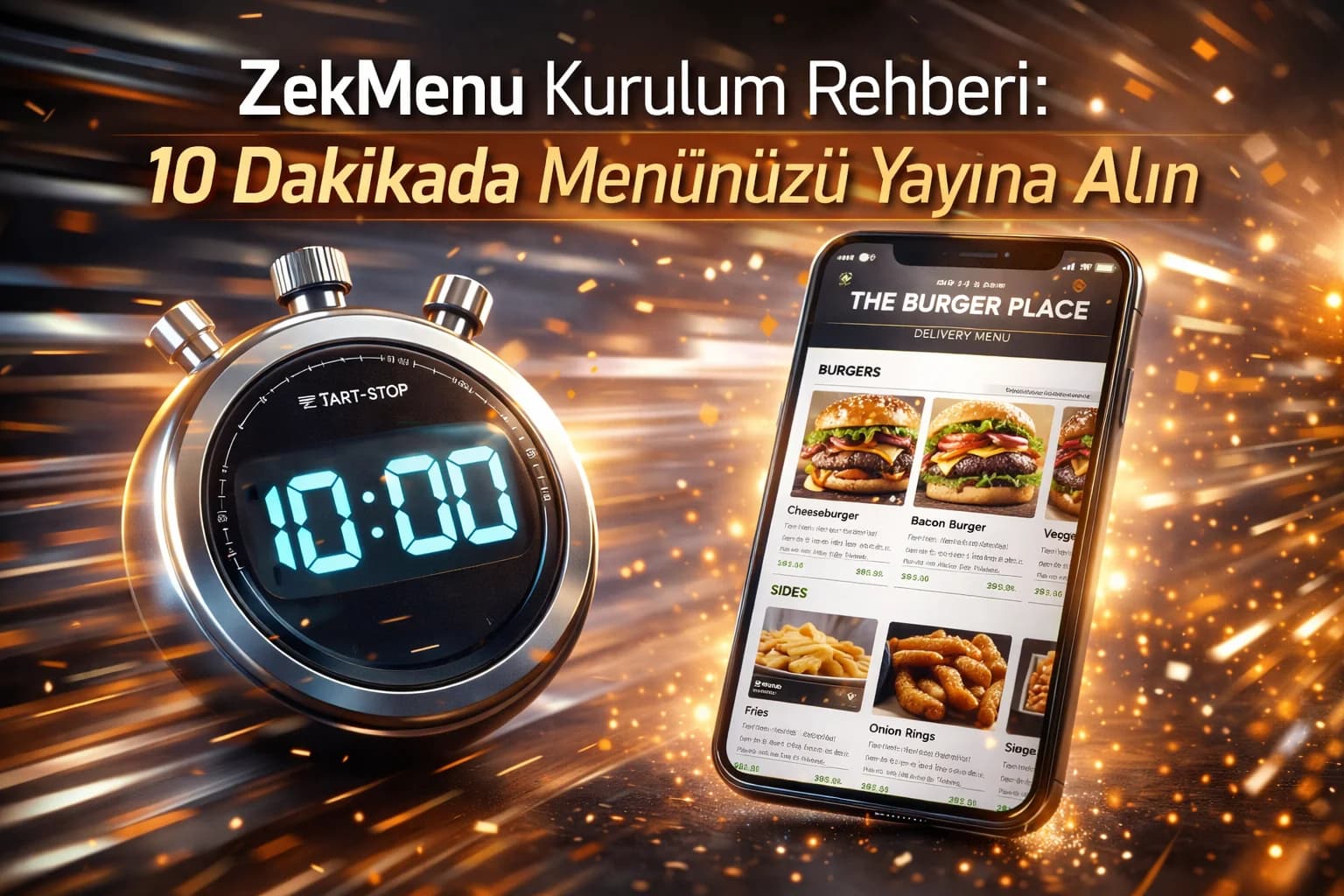
ZekMenu Setup Guide: Digital Menu in 10 Minutes
"I don't understand technology at all, can I still do it?" Yes! ZekMenu is designed so user-friendly that anyone who can open a social media account can create their own digital menu. Here is the guide to launching your menu in 10 minutes.
Minutes 1-2: Membership and Profile
Go to ZekMenu.com and click the "Try Free" button. Enter your business name, phone, and e-mail address. Determine a special subdomain (e.g., yourbusiness.zekmenu.com) for your business. After registration, create your corporate identity by uploading your restaurant logo from the "Settings" page.
Minute 3: Create Your First Branch
Before adding categories and products, you must create a physical branch. Go to the "Branches" tab from the management panel and click the "Add Branch" button. Enter the branch name (e.g., "Main Branch" or "Downtown Branch") and save. We recommend creating a branch name based on the location of the branch.
Minutes 4-5: Creating Categories
Think about the main headings in your menu. "Breakfasts", "Main Courses", "Drinks"... Go to the "Categories" menu from the management panel and create these headings by clicking "Add Category".
Minutes 6-9: Adding Products
This is the most time-consuming part, but don't panic. You can start by adding your most popular products in the first stage.
- Write the product name and price.
- Add a short, appetizing description.
- Upload the product's photo (You can also use photos you took from your phone).
Minute 10: Downloading the QR Code
After entering all products, come to the "Branches" tab. Click the "Download QR Code" button next to your business name and save the special QR code the system created for you to your device. You can print it out either as a sticker to stick on your tables or to put inside a stylish plexiglass stand.
And You Are Live!
Now when your customers come and say "Can we get a menu?", you can proudly show the QR code. Good luck with your menu, wishing you lots of earnings!
Ready to digitize your menu?
Enjoy QR menu, online ordering and multi-branch management with ZekMenu. Try free for 7 days.
Related posts
2026 Ramadan Menu Suggestions for Restaurants
Prepare your business for Ramadan 2026. Increase your revenue with Iftar menu examples, suhoor packages, and digital menu advantages.
ZekMenu Customization Options and Brand Identity
Customize your digital menu with your brand's logo and corporate identity. Discover ZekMenu's advanced theme and design options.
Contactless Ordering Era and QR Code Preference
Changing customer habits after the pandemic and the importance of contactless ordering. Contributions of QR code menus to restaurants in terms of hygiene, speed, and trust.