How to Choose the Most Suitable Digital Menu Package for Your Business?
How to Choose the Most Suitable Digital Menu Package for Your Business?
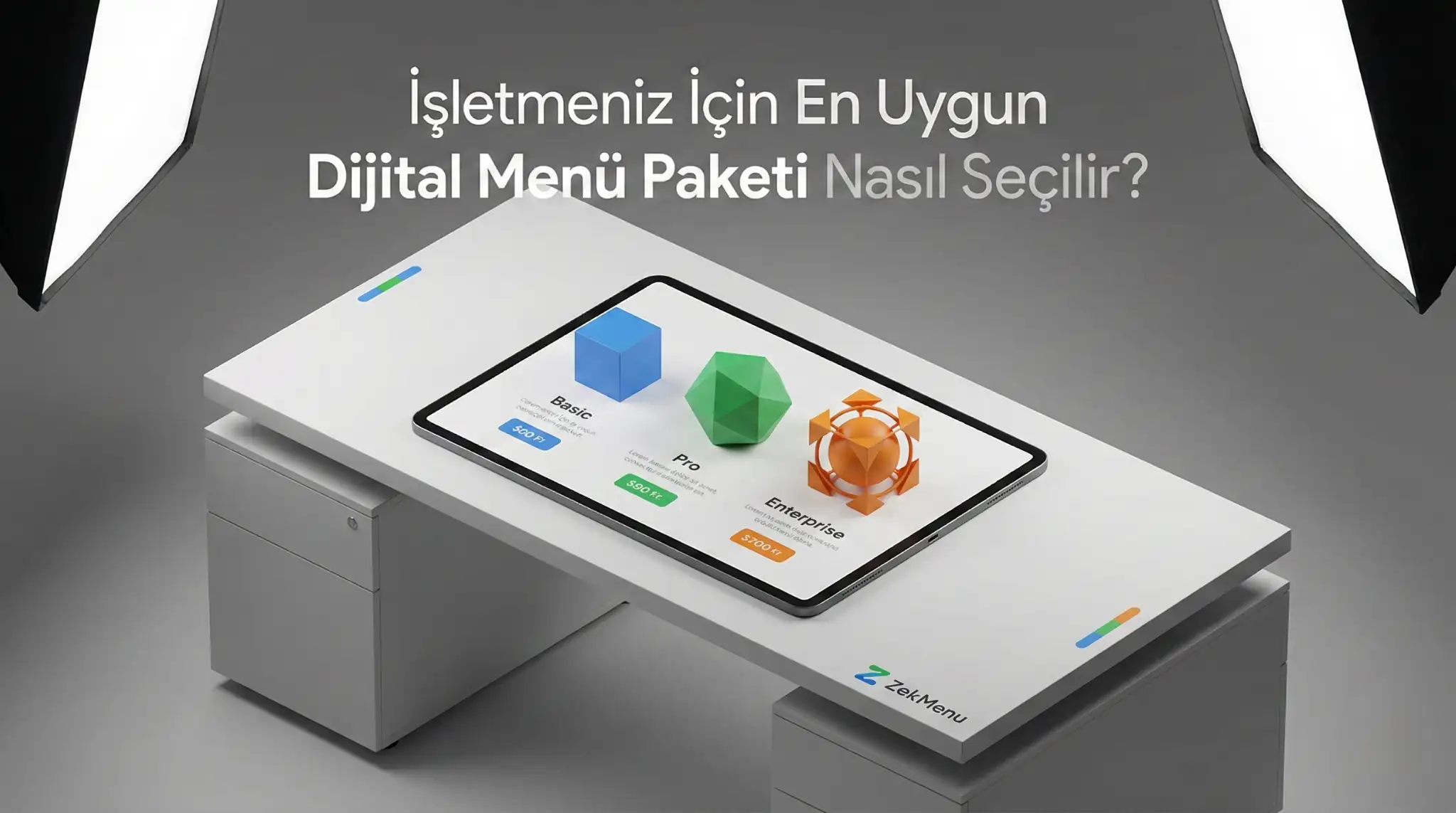
Digital menu systems are generally sold in packages offering different features (Basic, Pro, Standart, etc.). So, which one is your business's need? Read this guide to avoid paying for unnecessary features or being deprived of features you need.
1. Small Businesses (Cafe, Tea Garden)
If you have a small number of tables (10-15), your menu is fixed and does not change frequently;
- What You Need: Basic QR menu, unlimited viewing.
- Unnecessary: Advanced inventory management or multi-branch support.
- Suggestion: Basic packages are ideal for you and most economical.
2. Medium Scale Restaurants and Bistros
If the number of tables is 20+, the menu is crowded, the number of waiters is limited;
- What You Need: Waiter calling, order tracking, multi-language, category management.
- Suggestion: Medium (Standard/Pro) packages. Features that will lighten your operational load are in this package.
3. Hotels, Chains and Large Venues
Places with multiple branches, different departments (room service, pool bar);
- What You Need: Central management, authorization, advanced reporting, special integrations.
- Suggestion: Pro or Custom packages.
ZekMenu's Flexibility
ZekMenu allows you to switch between packages. As your business grows, you can upgrade your package. No commitment, there is flexibility.
Ready to digitize your menu?
Enjoy QR menu, online ordering and multi-branch management with ZekMenu. Try free for 7 days.
Related posts
2026 Ramadan Menu Suggestions for Restaurants
Prepare your business for Ramadan 2026. Increase your revenue with Iftar menu examples, suhoor packages, and digital menu advantages.
ZekMenu Customization Options and Brand Identity
Customize your digital menu with your brand's logo and corporate identity. Discover ZekMenu's advanced theme and design options.
ZekMenu Setup Guide: Digital Menu in 10 Minutes
Create your digital menu in 10 minutes without technical knowledge. Practical guide to ZekMenu installation, product addition, and QR code creation.