AI Food Photography for Restaurants: From Amateur to Studio Quality
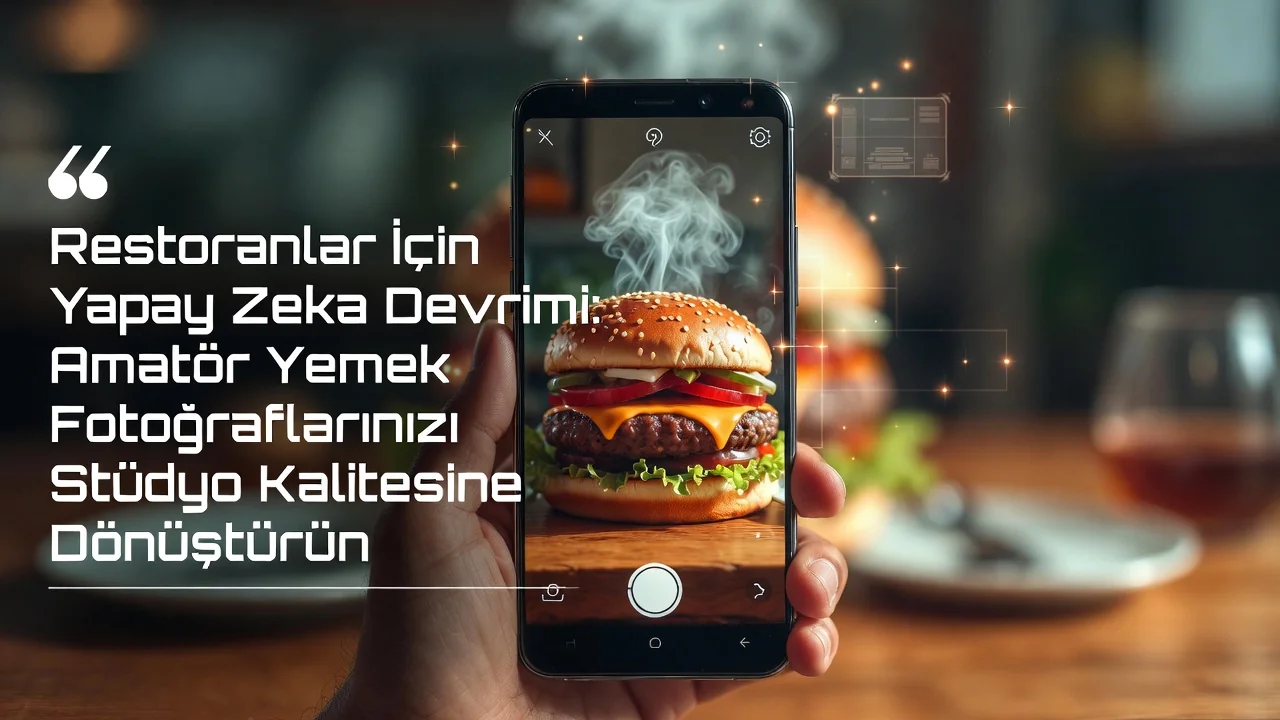
AI Revolution for Restaurants: Turn Amateur Food Photos into Studio Quality
Presentation and visualization are as critical as taste in the success of a restaurant. Especially today, where digital menu and social media usage has increased, appetizing, professional food photos directly affect order rates. However, working with a professional photographer can create a serious cost and waste of time with every menu change.
This is exactly where Artificial Intelligence (AI) comes into play. You can now turn a simple food photo you took with your mobile phone into the quality of a studio shoot worth thousands of dollars in seconds by using the right "Prompts".
How Does It Work? (Img2Img Technology)
Many AI tools (Midjourney, DALL-E 3, Adobe Firefly, Krea AI, etc.) have an "Image to Image" feature. Thanks to this feature:
- You upload a photo of your own product (Reference image).
- You describe to the AI how it should improve this image (Prompt).
- The AI presents you with a new image by perfecting the light, background, and clarity without spoiling the portion and content of your product.
Step-by-Step Food Photography with AI
1. Simply Take the Photo
You don't need perfect light. Put the product on the table and take a clear photo from the top or front. It is enough for the content of the plate to be clearly visible.
2. Upload to AI Tool
Upload your photo to the "Upload Image" or "Image Prompt" section of the AI tool you use.
3. Write the Magic Commands (Prompt)
Here is the secret. Explaining what you want to the AI in "English" (most tools work in English) gives the best results.
Ready-to-Use Prompt Examples for Restaurants
You can copy the prompts below and use them by editing the fields inside the square brackets [...] according to your own food.
General Food Shot (For Every Product)
This command brings any food taken in bad light to the quality of a professional magazine cover.
Prompt:
Professional food photography of [Delicious Burger], high resolution, 8k, photorealistic, shot on 85mm lens, f/1.8, cinematic lighting, soft bokeh background, appetizing, michelin star plating style, studio quality --iw 2
(Note: The --iw 2 command indicates "Image Weight" for Midjourney, that is, how faithful it will remain to the reference picture. You should keep the "Image Strength" setting high in other tools so that your product does not metamorphose.)
For Burger and Fast Food
To catch that "juicy and hot" look in fast food products:
Prompt:
Juicy [Cheeseburger] close up shot, melting cheese, steam rising, fresh ingredients, water droplets on lettuce, dramatic studio lighting, dark moody background, commercial food photography, ultra detailed, 8k
For Desserts and Cakes
Vibrancy of texture and colors is important in desserts:
Prompt:
Elegant food photography of [Chocolate Souffle], powdered sugar dusting, soft window lighting, airy and bright atmosphere, pastel colors background, macro shot, highly detailed texture, delicious
For Drinks and Cocktails
For the mist of the glass and the shine of the ice:
Prompt:
Cinematic shot of [Iced Latte], condensation on glass, ice cubes, beautiful refraction, backlighting, golden hour sun rays, sharp focus, refreshing look, 8k resolution
For Traditional Turkish Foods (Kebab, Pide, etc.)
AI sometimes may not know local foods, so it is necessary to describe:
Prompt:
Traditional [Turkish Kebab] served on a wooden plate, grilled meat texture, smoke rising, charcoal grill atmosphere, warm lighting, rich colors, authentic restaurant setting, photorealistic
Things to Consider
- Realism: Tell the AI to keep the "Image Strength" (Visual Fidelity) setting high. Otherwise, it may change the meatball on your plate or enlarge the portion. Our goal is not to mislead the customer, but to present the existing product in its best form.
- Brand Identity: Ensure integrity in your menu by using similar "Background" or "Light" prompts in all your photos.
Thanks to AI, you no longer need equipment worth thousands of dollars. With the phone in your pocket and the right words, you can turn your ZekMenu into a work of art.
Ready to digitize your menu?
Enjoy QR menu, online ordering and multi-branch management with ZekMenu. Try free for 7 days.
Related posts
2026 Ramadan Menu Suggestions for Restaurants
Prepare your business for Ramadan 2026. Increase your revenue with Iftar menu examples, suhoor packages, and digital menu advantages.
ZekMenu Customization Options and Brand Identity
Customize your digital menu with your brand's logo and corporate identity. Discover ZekMenu's advanced theme and design options.
ZekMenu Setup Guide: Digital Menu in 10 Minutes
Create your digital menu in 10 minutes without technical knowledge. Practical guide to ZekMenu installation, product addition, and QR code creation.