Managing Customer Reviews and Protecting Reputation
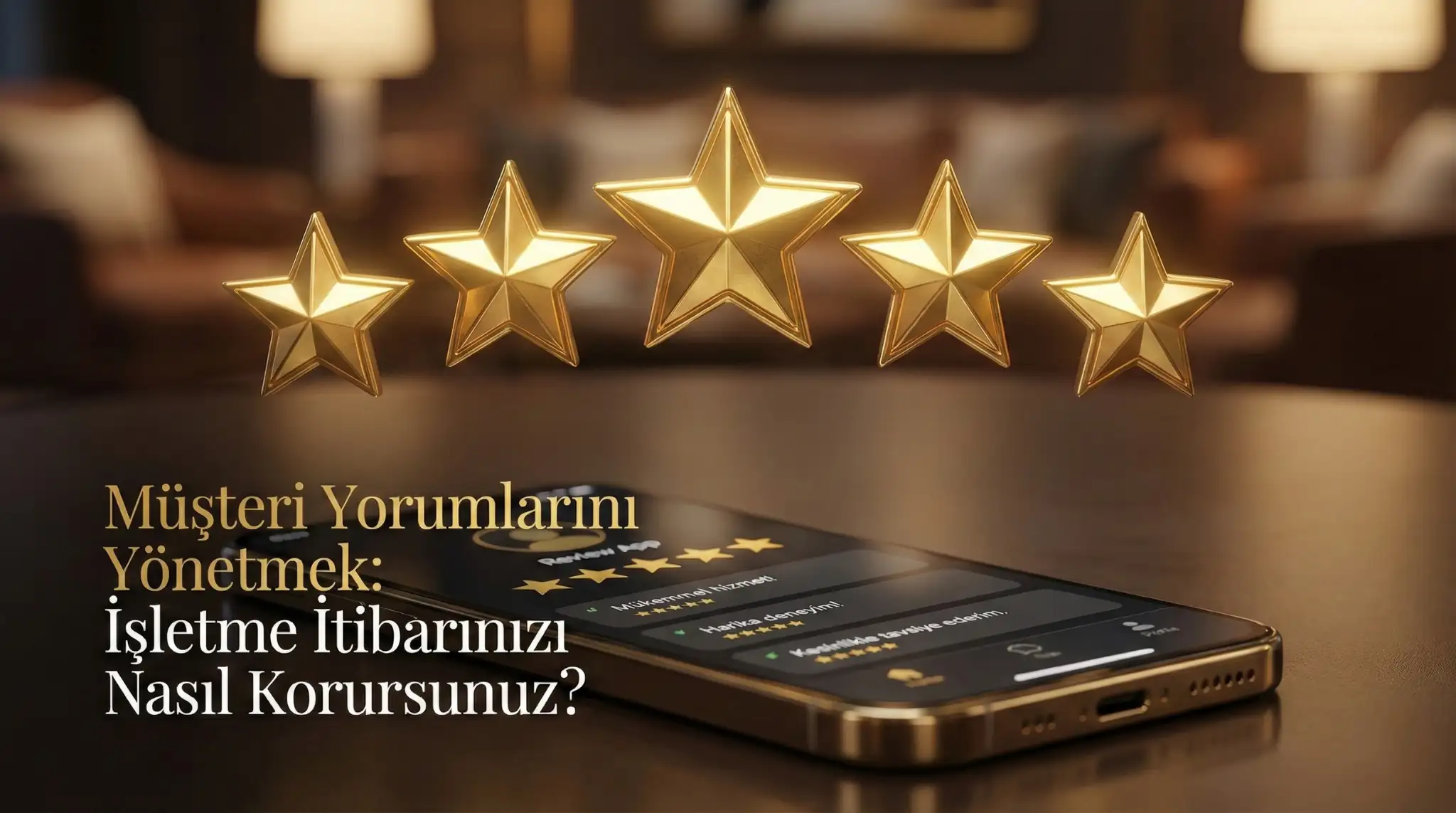
Managing Customer Reviews: How Do You Protect Your Business Reputation?
In the digital age, a few sentences written by customers on the internet can determine the fate of a restaurant. Reviews on platforms like TripAdvisor, Google Maps, or Zomato are the biggest factor in whether new customers will choose you. So, how should you manage these reviews?
1. Track Reviews
The first step is to know what is being said about you. Keep notifications on your Google Business Profile open. Regularly scan shares mentioning your business name on social media.
2. Approach Negative Reviews Professionally
It is natural to go on the defensive or get angry when you receive a bad review, but it is not professional.
- Respond Quickly: Do not ignore the problem.
- Apologize and Offer a Solution: Use constructive language like "We are sorry for the experience you had. We would like to host you again to make up for it."
- Don't Take It Personally: Take the criticism as feedback on the service, not on you personally.
3. Reward Positive Reviews
Everyone likes hearing nice words. Thank customers who make positive reviews. Even a short answer like "Bon appetit, we expect you again" makes the customer feel valued.
4. Get Instant Feedback with ZekMenu
The best review management is solving the complaint before it falls onto the internet. You can ask your customers "Were you satisfied with our service?" via ZekMenu. While the dissatisfied customer transmits their complaint directly to you, the satisfied customer can be directed to Google reviews.
5. Beware of Fake Reviews
If you detect fake reviews coming from your competitors or malicious people, you can request their removal by complaining to the relevant platform (Google, TripAdvisor) with your evidence.
Your reputation is your most valuable capital. Be proactive to protect it.
Ready to digitize your menu?
Enjoy QR menu, online ordering and multi-branch management with ZekMenu. Try free for 7 days.
Related posts
2026 Ramadan Menu Suggestions for Restaurants
Prepare your business for Ramadan 2026. Increase your revenue with Iftar menu examples, suhoor packages, and digital menu advantages.
ZekMenu Customization Options and Brand Identity
Customize your digital menu with your brand's logo and corporate identity. Discover ZekMenu's advanced theme and design options.
ZekMenu Setup Guide: Digital Menu in 10 Minutes
Create your digital menu in 10 minutes without technical knowledge. Practical guide to ZekMenu installation, product addition, and QR code creation.