Social Media and QR Menu Integration
Drive Traffic to Your Menu from Social Media: Instagram and QR Integration
Instagram is the new "showcase" for restaurants. Your customers look at your Instagram account before eating. So, how do you turn that traffic into "orders"? Here are the tricks of ZekMenu integration with social media.
Link in Bio
Instead of just putting your website's home page on your Instagram profile, add the ZekMenu link going directly to your digital menu. Direct the customer directly to your products with "View Menu" or "Order" buttons.
Menu Sharing in Stories
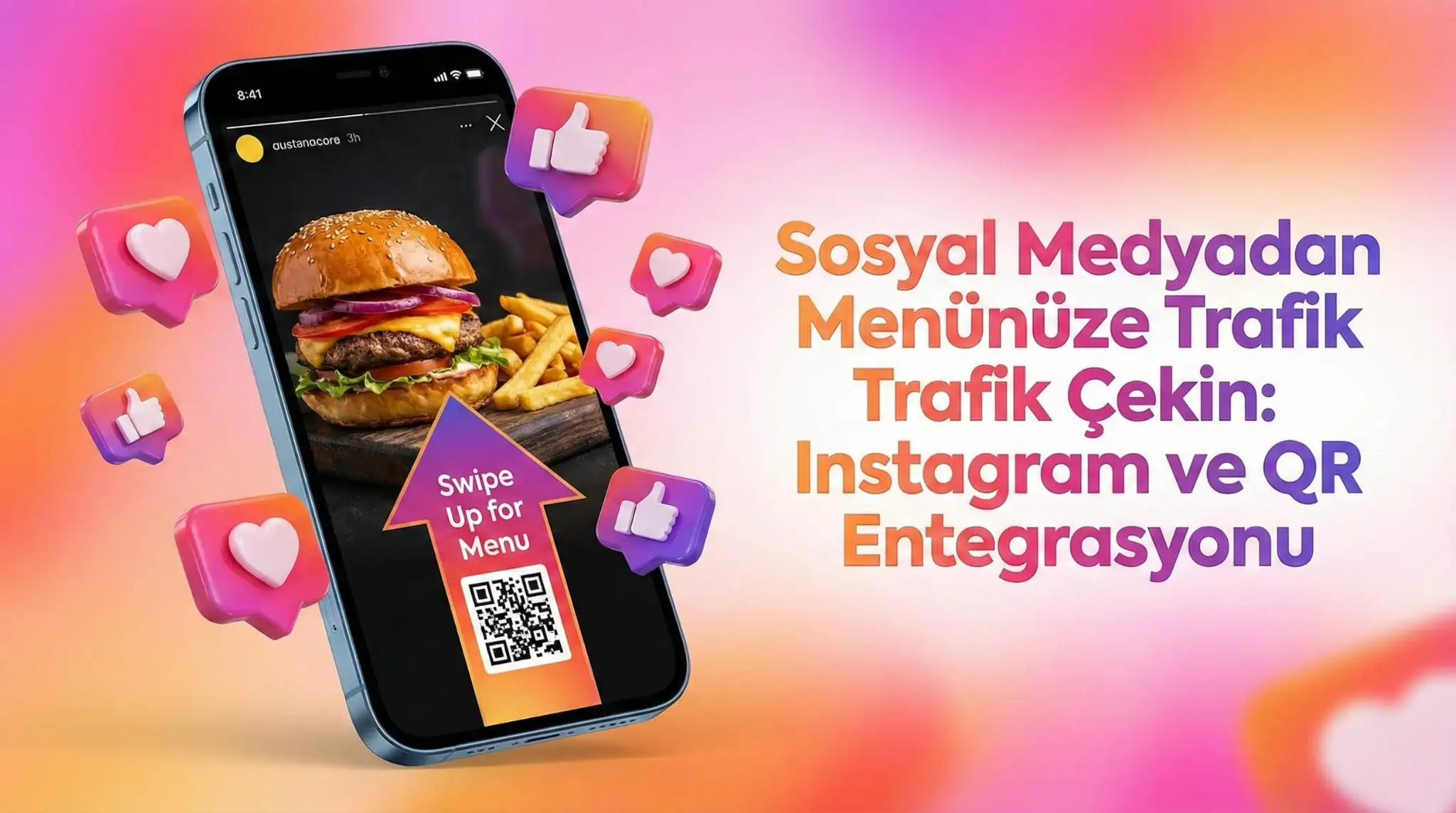
With the "Swipe Up" feature, link directly to the page of that burger in the menu from the appetizing burger photo you shared. The customer sees the story, gets hungry, swipes up, sees the price, and decides to order.
Posts with QR Code
Add your ZekMenu QR code to the corner of your posts or video content. Make a call to "Scan the screen, go to the menu".
User Generated Content (UGC)
Encourage your customers to take photos of the orders they placed via the menu and share them (e.g., "Order with ZekMenu, share, get free coffee"). This increases reliability and does your free advertising.
Turn your social media followers from people who just "like" into "customers".
Ready to digitize your menu?
Enjoy QR menu, online ordering and multi-branch management with ZekMenu. Try free for 7 days.
Related posts
2026 Ramadan Menu Suggestions for Restaurants
Prepare your business for Ramadan 2026. Increase your revenue with Iftar menu examples, suhoor packages, and digital menu advantages.
ZekMenu Customization Options and Brand Identity
Customize your digital menu with your brand's logo and corporate identity. Discover ZekMenu's advanced theme and design options.
ZekMenu Setup Guide: Digital Menu in 10 Minutes
Create your digital menu in 10 minutes without technical knowledge. Practical guide to ZekMenu installation, product addition, and QR code creation.